
Multi-chain asset view
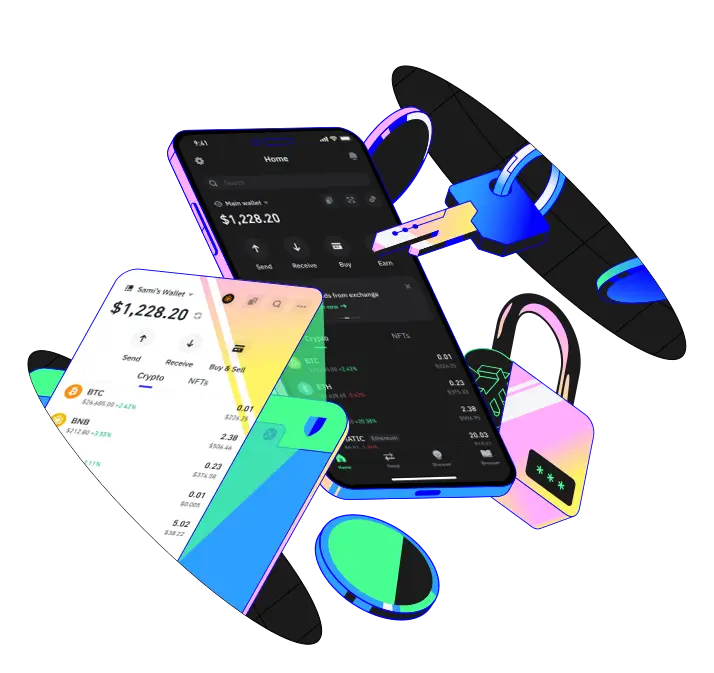
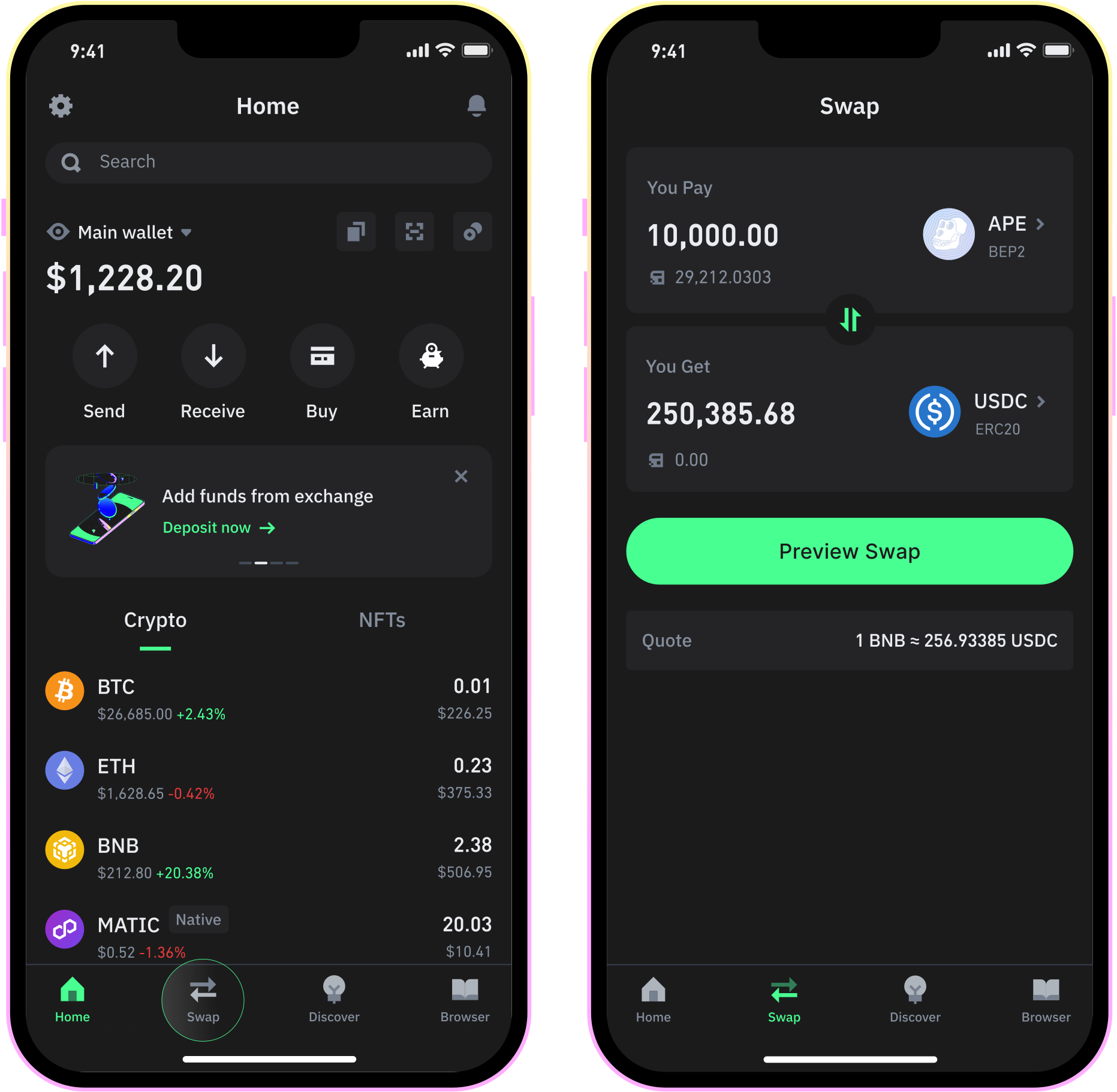
Organize supported coins and tokens across several blockchain ecosystems from one wallet interface.
A practical self-custody guide
Explore how Trust Wallet supports digital assets and Web3, learn what self-custody requires, and use verified download routes to avoid fake applications.
Know the responsibility
Trust Wallet is designed as a self-custody wallet. Instead of relying on an account provider to authorize every transfer, the wallet holder controls the credentials used to approve blockchain transactions.
This model offers direct control, but it also makes backup and verification essential. A lost recovery phrase may prevent wallet recovery, while a phrase exposed to someone else can place every related asset at risk.
Availability varies by network, asset, device and region. Check the current product documentation before relying on a specific feature.
Organize supported coins and tokens across several blockchain ecosystems from one wallet interface.

Send and receive supported assets, review network costs and compare available swap quotes before approval.

Connect to compatible decentralized services after verifying the domain, contract and requested permissions.

View supported NFTs and collection information alongside other wallet assets.

Review supported staking opportunities, lock-up rules, validator details and network risks.

Review and approve actions from your device while keeping responsibility for wallet credentials.
Avoid imitation apps
The official download center provides the current paths for iOS, Android, supported browser extensions and the Android APK. Do not install wallet software from file mirrors, advertisements or links received in messages.
Slow down at the steps that control access or move assets.
Begin at the official website, confirm the store listing or download source, then install on a device you control.
Record the recovery phrase offline and keep it private. Do not photograph, message or upload it.
Check the network and complete address, then consider a small test transfer before moving a larger amount.